Every doctor knows the feeling. A patient returns after eight months, says "Doctor, you gave me some tablet last time," and the old file is nowhere to be found. Or it’s there, but the handwriting has faded into guesswork.
Small clinics across India still run on paper registers, printed prescription pads and memory. It works until it doesn’t. This guide explains what clinic management software actually does, which features matter for a small practice, and how to switch without disrupting your OPD.
What is clinic management software?
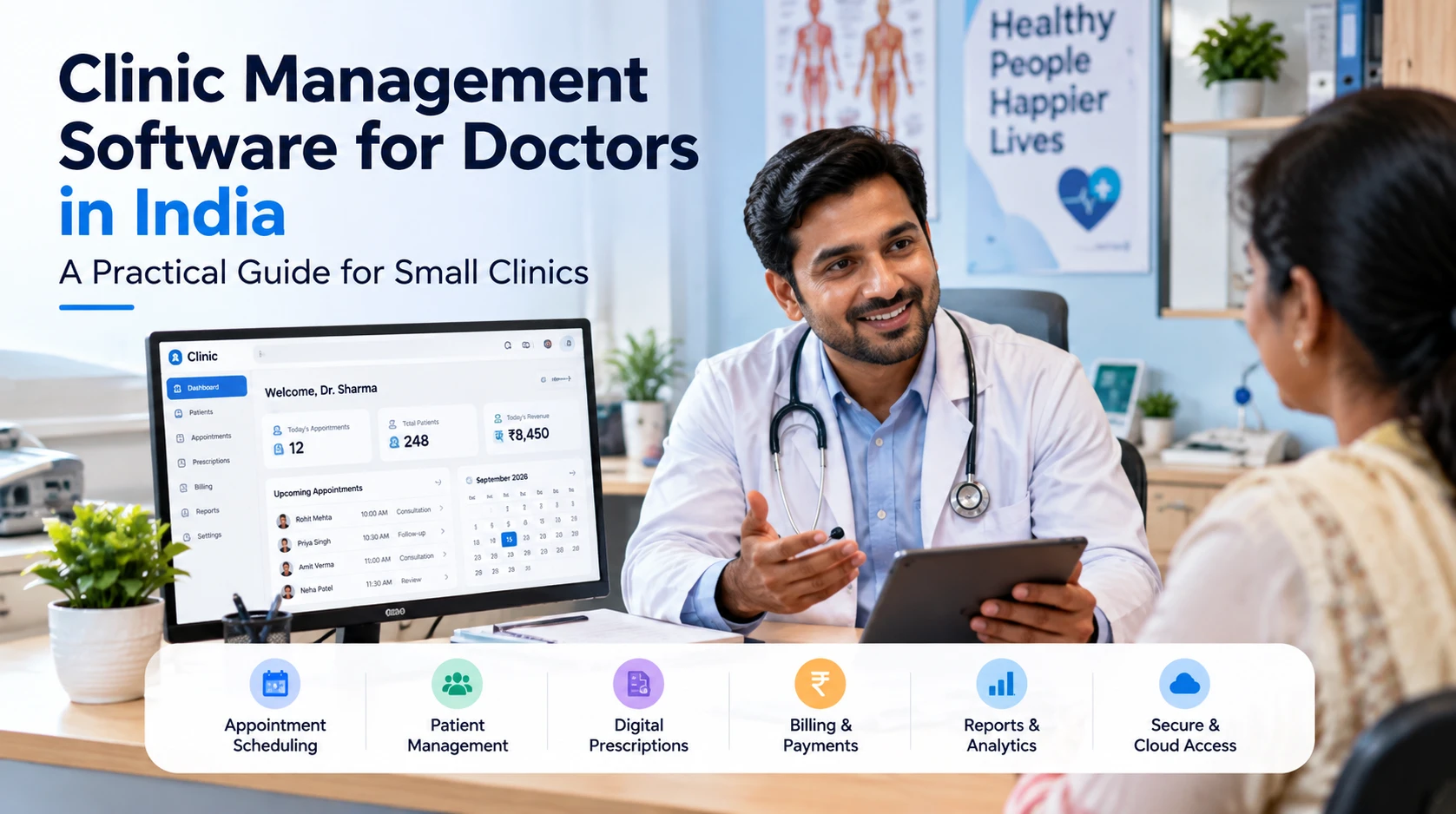
Clinic management software, also called medical practice management software, is a digital system for the everyday work of a clinic. It usually covers five areas:
- Patient records: contact details, medical history, allergies and past visits
- Prescriptions: writing, printing and sharing prescriptions digitally
- Follow-ups: tracking which patients are due to return
- Appointments and queue: knowing who is waiting and who is next
- Billing: recording fees and issuing receipts
Larger hospital systems add lab integration, pharmacy stock, insurance claims and multi-department workflows. A small clinic rarely needs all of that. It needs a few features that work reliably every single day.
Why are doctors in India moving away from paper?
Doctors who switch to software usually describe the same everyday problems.
Patient history gets lost. Old files get misplaced, damaged or become hard to read. Without history, every repeat visit starts almost from zero.
Follow-ups slip through. Paper can’t remind you that a patient with high blood pressure should have returned last week. Many patients simply don’t come back unless someone tracks them.
The same things get written again and again. Common medicines, dosages and advice are handwritten dozens of times a day, and that time adds up across a full OPD.
Records stay locked in the clinic. When a patient calls in the evening asking about their medicine, a paper-based doctor can’t check what was prescribed.
Storage becomes a burden. Years of files take up cupboards, and one leak or misplaced bundle can mean permanent loss.
Software won’t make a busy clinic less busy. It removes these specific points of friction so your time goes to patients, not paperwork.
Cloud vs desktop clinic software: which suits a small clinic?
| Cloud-based software | Desktop (installed) software | |
|---|---|---|
| Access | Any device with internet | Only the computer it's installed on |
| Backups | Usually automatic | Your responsibility |
| Updates | Automatic | Manual, sometimes paid |
| Needs internet | Yes (check offline options) | No |
| Upfront cost | Low, usually a subscription | Often a one-time licence |
| Best for | Doctors who want remote access or practise at more than one location | Clinics with very poor internet and one fixed computer |
For most small clinics, cloud-based clinic management software is the practical choice. Automatic backups mean a damaged computer doesn’t mean lost records. You can also check patient information from your phone wherever you are.
If your clinic’s internet is unreliable, don’t rule out cloud software. Ask the vendor exactly how it behaves offline, and consider a mobile hotspot as a backup connection.
How much does clinic management software cost in India?
Prices vary widely, so always compare the total yearly cost rather than the headline price. You’ll usually see these pricing models:
- Monthly or annual subscription: the most common model for cloud software; annual plans are often cheaper overall.
- Per-doctor pricing: the cost grows as you add doctors to the account.
- One-time licence: common for desktop software, but check what future updates and support will cost.
- Free plans: good for trying the software; check the limits on patients, prescriptions or features.
Before you pay, ask about costs that aren’t always on the pricing page: setup or onboarding fees, SMS or WhatsApp message charges, extra staff logins, and help with moving old data.
How can a clinic replace paper files with digital records?
You don’t need to digitise years of old files before you start. Here’s a practical step-by-step approach:
- Start with new patients. From a fixed date, register every new patient in the software.
- Add returning patients as they come. When an old patient visits, create their digital record then. Photograph or scan important old reports if needed.
- Create prescription templates in week one. Set up templates for the conditions you see most often. This is where you’ll save the most time.
- Train your front-desk staff first. Let staff handle registration and the queue, so the doctor only enters clinical details.
- Run paper and software together for two to four weeks. Stop the paper register once everyone is comfortable.
- Review after one month. Check whether follow-ups are being tracked and whether prescriptions are faster than before.
Most clinics find the first week slower and the second week faster than paper ever was.
How DoctorMitra helps doctors manage their clinic
DoctorMitra is clinic management software built for doctors in India, especially small and single-doctor clinics. It focuses on the tasks that take up most of a doctor’s day:
- Patient management: keep each patient’s details and visit history in one place, and find them quickly when they return.
- Digital prescriptions: write clear prescriptions faster and keep a record of every prescription you’ve given.
- Follow-up tracking: see which patients are due to come back, so fewer patients drop off after the first visit.
- Access from mobile, tablet and laptop: check patient records and past prescriptions from the device you have with you, in the clinic or away from it.
The goal isn’t to turn your clinic into a hospital IT system. It’s to replace the paper register, the prescription pad and the "I’ll remember to call them" with something simpler and more reliable.
Frequently asked questions
Can I use clinic management software on my mobile phone?
Most cloud-based systems work on mobile, tablet and laptop. Check whether the vendor offers a mobile app or a browser version, and which features work on each.
Is clinic management software safe for patient data?
It can be safer than paper, provided the vendor encrypts data, controls who can access it and backs it up regularly. Ask the vendor directly how patient data is protected and where it is stored.
How long does it take to switch from paper to software?
Most small clinics can start within a few days by registering new patients digitally first. A complete transition usually takes a few weeks of running both systems side by side.
Do I need to be good with computers to use clinic software?
No. Software built for small clinics should be simple enough for busy doctors and front-desk staff. If it needs long training sessions, it may be too complex for your practice.
Can I see a patient’s previous prescriptions from my phone?
Yes, with cloud-based software. You can look up past prescriptions from any supported device, which is useful when patients call outside clinic hours.
Does clinic software work for single-doctor clinics?
Yes. Single-doctor clinics often benefit the most, because the doctor handles records, prescriptions and follow-ups personally. Saving a few minutes per patient makes a noticeable difference by the end of the day.
See how DoctorMitra fits your clinic
The best way to judge any clinic management software is to watch it handle a real day at your clinic. Book a free DoctorMitra demo and we’ll walk you through patient registration, prescriptions and follow-ups using the cases you see every day.